Rotor Ledger Development preview

FLEET OPERATIONS, RECONSIDERED

Know your fleet.
Inside out.

Every aircraft has a story. Keep the parts, packs, tunes and changes that make it yours in one place.

MaciPhoneiPadNative. Connected. Yours.

ROTOR LEDGERv0.7.2

YOUR FLEET

The hangar

On the bench
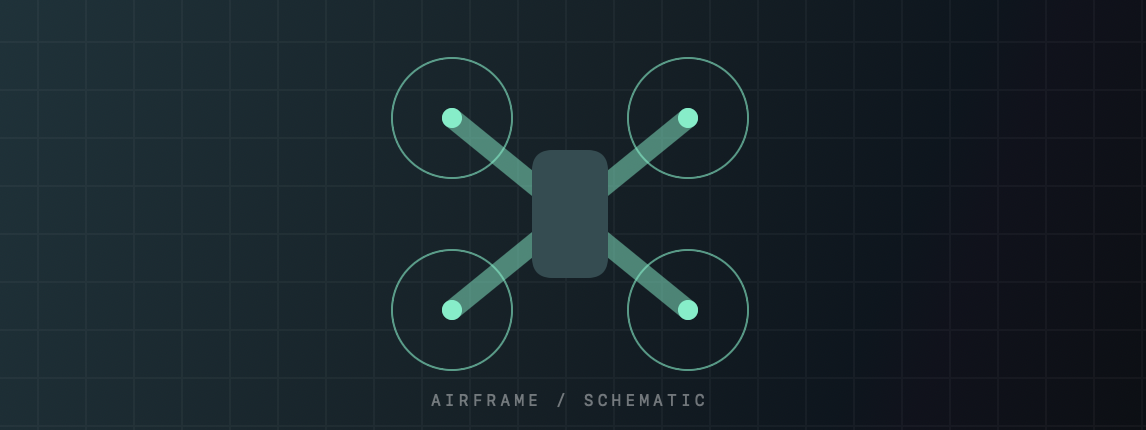
Teal quadcopter airframe schematic

Cloud 160

3.6″ props · 6S build
Components
07
Battery packs
01
Saved tunes
01
TAKER G4 45A AIOFlight controller · GEPRC
Installed
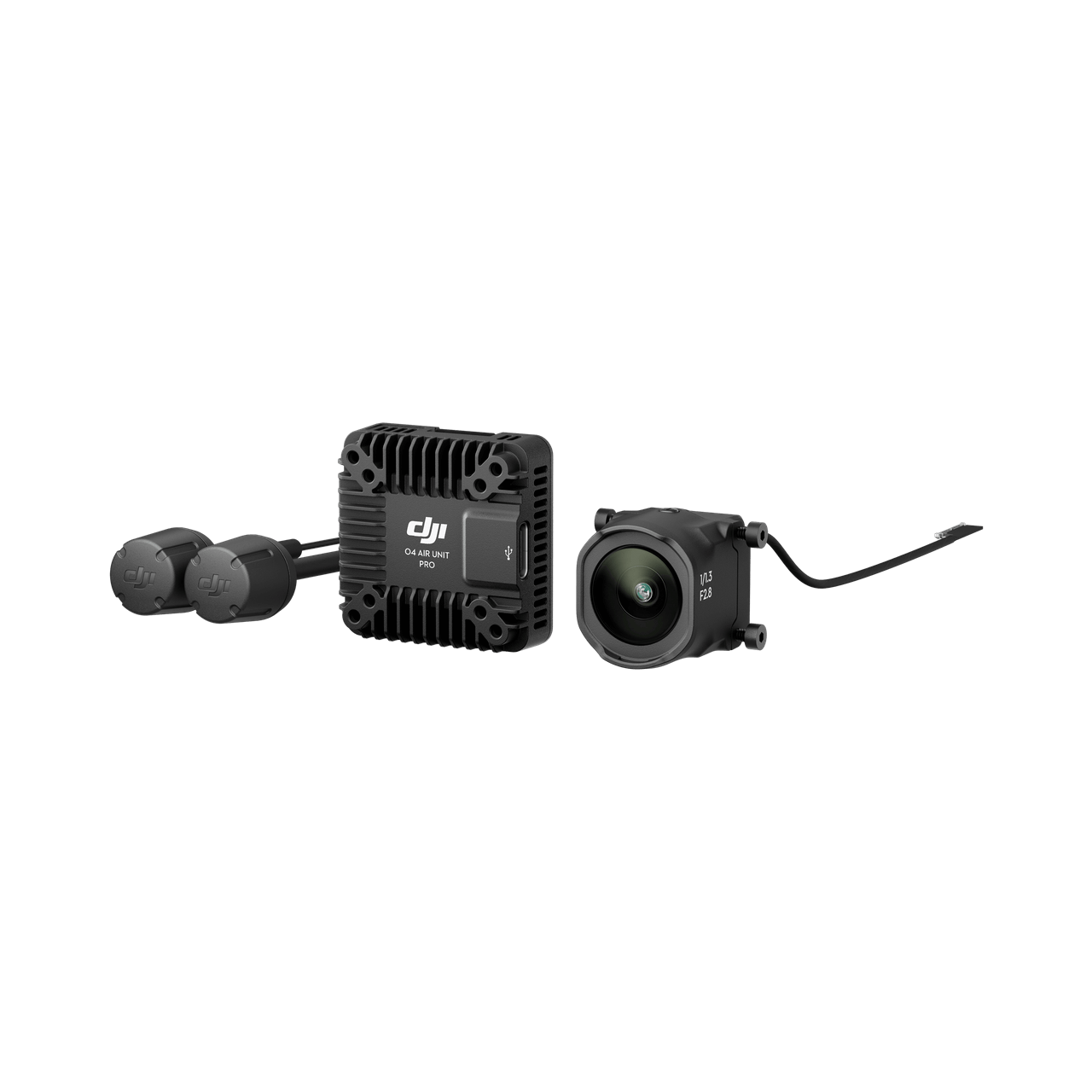
O4 Air Unit ProDigital video · DJI
Installed

01 One home for your fleet

02 Hardware with context

03 A history worth keeping

LESS SEARCHING. MORE BUILDING.

The whole build.
All in one place.

The details add up. Rotor Ledger connects them, from the first part on your bench to the notes after your last flight.

01 / ORGANIZE

A place for every part.

Track what you own, where it lives and which aircraft it’s installed in. Keep purchases, serial numbers, condition and personal notes with the item.

ECO II 2004Installed · M1
3630-3 propsSpares drawer
Previous motor setRetired

Archive the item. Keep the history.

02 / UNDERSTAND

More than a part number.

Explore product backgrounds, sourced specifications, manufacturer resources and compatibility notes. Shared product knowledge stays separate from your personal records.

ROTOR LIBRARYFrom “what is it?” to “where is mine?”
OverviewSpecsCompatibilityResourcesYour Fleet

Clear sources. Visible unknowns.

03 / REMEMBER

Make every change traceable.

Save build snapshots, retain tune revisions and record maintenance. Compare what you documented before and after a change, with the context still attached.

Capture a buildHardware, tune & battery context
Record the changeParts, inspection & your observations
Compare saved statesA history you can return to

Your records, preserved at a point in time.

AT THE BENCH. AT THE FIELD.

Your fleet goes
where you do.

A native experience on Mac, iPhone and iPad. Save locally, then keep your fleet connected with optional private iCloud sync.

macOS 14+iOS 17+iPadOS 17+

Photos that tell the full story

Add multiple photos from your camera roll or files. Adjust the crop, choose a cover and keep the uncropped copy for later.

Flight and battery records together

Log flight observations against a saved build and the pack you flew. Keep cycles, condition and recorded battery measurements in context.

Private by design

Your owned fleet uses private iCloud storage when enabled. The shared Rotor Library contains product information, separate from your personal notes and photos.

INTEGRATION / 01

Meet your build
where it’s tuned.

Keep Betaflight CLI files and tune revisions alongside your aircraft. The Mac preview also includes a read-only USB capture workflow.

Betaflight connection preview
CONTROLLER CAPTUREREAD ONLY
  1. 01
    Connect on Mac

    Select a USB serial device.

  2. 02
    Review the evidence

    Check identity and supported settings.

  3. 03
    Save with your aircraft

    Keep the capture and optional build snapshot.

Physical-controller validation is still pending. Supported settings depend on firmware and API version. Firmware flashing, motor control and settings writes are outside this preview.

BUILDING WHAT COMES NEXT

A connected foundation.
A clear flight path.

Core recordkeeping is working today. Deeper analysis comes after device testing and real hardware validation.

v0.2

Rotor Library

Sourced product knowledge, manufacturer pages and remotely updated catalog information.

Core implemented
v0.3

Build Intelligence

Saved-build comparisons, installation history and source-backed fit checks with explicit unknowns.

Core implemented
v0.4

Flight Intelligence

Flight and battery records today. Deeper performance charts and Blackbox analysis ahead.

Expanding
v0.5

Rotor Assistant

On-device guided investigations today. Optional conversational assistance remains future work.

Guided preview

Current app: v0.7.2 development preview. Version labels above describe the feature milestones.

BEFORE YOU FLY

A few useful details.

Is Rotor Ledger available in the App Store?

Not yet. Rotor Ledger is currently a development preview on registered Apple devices. TestFlight distribution follows the remaining device, controller and release checks. There is no public download at this stage.

Does this website connect to my fleet?

This is a product showcase with an interactive sample tour. Your real aircraft, photos and iCloud records stay in the native Rotor Ledger app.

Can I add custom or unlisted hardware?

Yes. Your inventory can reference a Rotor Library product or hold custom hardware. Personal specifications, notes, purchase information and photos remain yours.

What happens when I’m offline?

Entries save locally. With iCloud sync enabled, the app can sync when it becomes active, while it remains open or when you choose Sync now. Catalog photos may need an internet connection. Sync is not continuous background collaboration.

Does the assistant use an AI service?

The current assistant uses on-device rules and your recorded evidence. It does not send your fleet to a conversational AI service. A conversational assistant is a future possibility, not a current feature.

ROTOR LEDGER / DEVELOPMENT PREVIEW

Built for the details.
Ready for what’s next.

The foundation is in place. The next milestone is extended device testing, real Betaflight hardware validation and a carefully prepared beta.

v0.7.2

Mac · iPhone · iPad

Take another lookPublic beta details will appear here
when distribution is ready.